Setting Up GA4 for Actionable Insights
As businesses continue to navigate the digital landscape, understanding user behavior across devices and platforms is crucial. Google Analytics 4 is the latest iteration of Google's analytics platform, designed to provide a more comprehensive understanding of customer interactions.
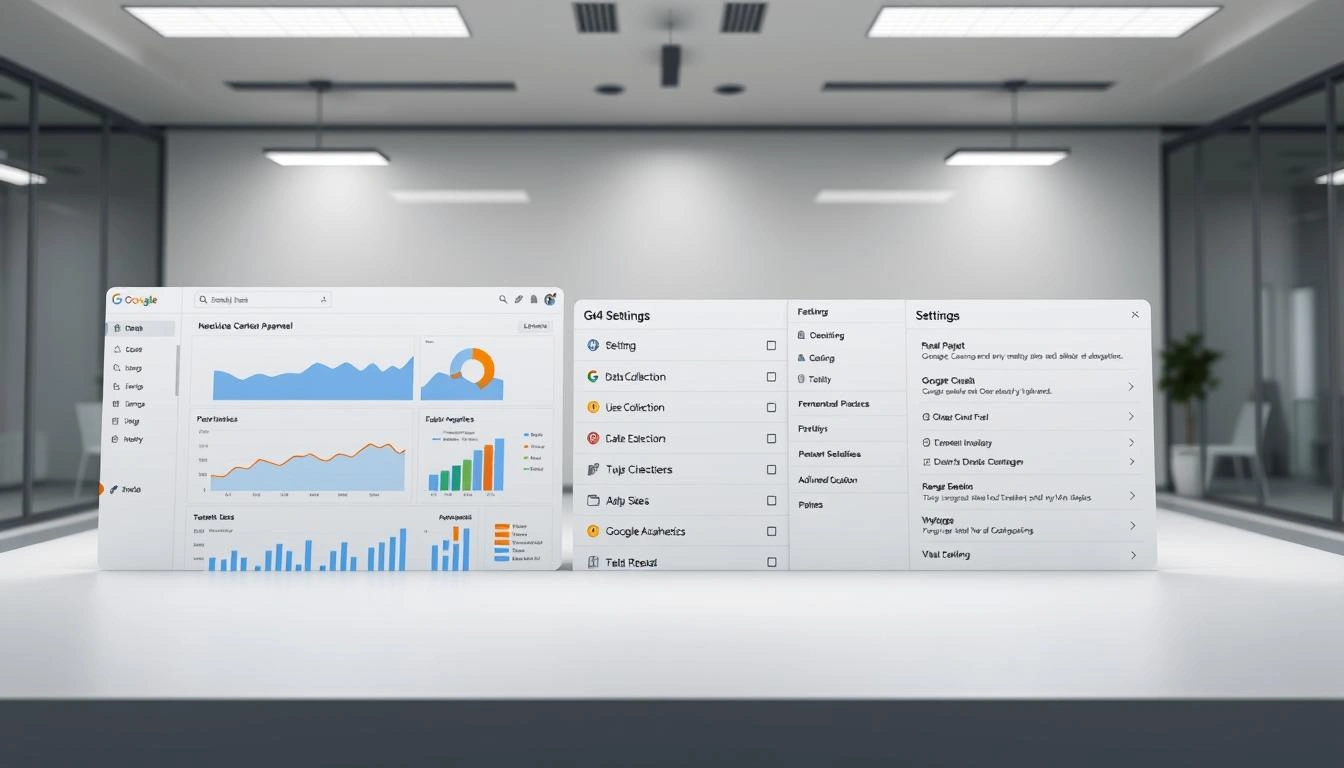
By configuring GA4, businesses can gain actionable insights into their data, enabling them to make informed decisions. The process involves setting up the analytics platform to track key events and behaviors, ultimately driving business growth.
Key Takeaways
- Understand the importance of Google Analytics 4 for businesses
- Learn how to configure GA4 for actionable insights
- Discover the benefits of using GA4 for data-driven decision-making
- Gain insights into user behavior across devices and platforms
- Improve business growth through data analysis
Understanding GA4: The Next Generation Analytics Platform
Google Analytics 4 (GA4) represents a significant shift in how businesses analyze user behavior and measure digital marketing effectiveness. This new generation of analytics is designed to provide a more comprehensive understanding of user interactions across multiple platforms and devices.
Key Differences Between GA4 and Universal Analytics
The transition from Universal Analytics to GA4 marks a significant change in how data is collected and analyzed. GA4 focuses on events rather than sessions, allowing for a more nuanced understanding of user behavior. Unlike Universal Analytics, GA4 is designed to handle data from both web and mobile applications in a single property, providing a more unified view of customer interactions.
| FeatureUniversal AnalyticsGA4 | ||
| Data Model | Session-based | Event-based |
| Cross-Device Tracking | Limited | Enhanced |
| Machine Learning Capabilities | No | Yes |
Why GA4 Is Essential for Modern Data Analysis
GA4 is crucial for businesses looking to stay ahead in the digital landscape. Its machine learning capabilities enable predictive analytics, helping businesses anticipate user behavior. With GA4, companies can gain a deeper understanding of their customers, making it an essential tool for modern data analysis.
By adopting GA4, businesses can leverage its advanced features to drive more informed decision-making and improve their marketing strategies.
Preparing for Your GA4 Setup Journey
As you embark on setting up Google Analytics 4 (GA4), it's essential to lay the groundwork for a successful implementation. This involves several key steps that will help you make the most out of GA4's capabilities.
Required Accounts and Permissions
To start, ensure you have the necessary accounts and permissions. This includes having access to your Google Analytics account and the appropriate permissions to create and manage properties. Administrative access is crucial for setting up GA4 and configuring its features.
Planning Your Measurement Strategy
Planning your measurement strategy is vital for effective GA4 setup. This involves identifying the key performance indicators (KPIs) that align with your business objectives. Consider what data you need to track to measure success and how you can use GA4 to gain insights into your website or app's performance.
Defining Business Objectives for Analytics
Defining clear business objectives is critical for a successful GA4 implementation. Your objectives should guide your measurement strategy, ensuring that you're tracking the right data to inform your business decisions. By aligning your GA4 setup with your business goals, you can unlock actionable insights that drive growth.
Complete GA4 Setup Guide for Beginners
A well-configured GA4 setup is the foundation of insightful analytics for your digital presence. To get started, you'll need to follow a few key steps to ensure your GA4 property is correctly configured.
Creating Your GA4 Property
To create a GA4 property, navigate to your Google Analytics account and select "Create Property." You'll be prompted to enter details about your property, such as its name and the time zone you'll be reporting in. Accurate property settings are crucial for data accuracy.
Installing the GA4 Tracking Code
After creating your property, you'll need to install the GA4 tracking code on your website or app. This involves adding a small snippet of code to your site's header or using a tag management system like Google Tag Manager. Proper installation ensures that you capture all necessary data.
Configuring Basic Settings
Configuring your GA4 property's basic settings is essential for effective data collection. This includes:
Property Settings
- Defining your property's name and time zone
- Setting up data retention periods
- Configuring user permissions
Data Collection Controls
GA4 allows you to control what data is collected through settings like data consent and personalization. Understanding these controls is vital for compliance and data quality.
| SettingDescriptionImportance | ||
| Property Name | The name of your GA4 property | High |
| Data Retention | How long GA4 retains user data | Medium |
| User Permissions | Access controls for GA4 users | High |
https://www.youtube.com/watch?v=XPuWgkd3RCs
Transitioning from Universal Analytics to GA4
The shift from Universal Analytics to GA4 is not just a technical upgrade but a strategic move towards better data insights. As businesses continue to evolve their digital strategies, understanding how to transition effectively is crucial.
Dual Tagging Strategy
Implementing a dual tagging strategy allows businesses to run both Universal Analytics and GA4 in parallel. This approach ensures that historical data is preserved while you begin to leverage GA4's advanced features.
Mapping UA Goals to GA4 Conversions
To maintain continuity, it's essential to map your existing UA goals to GA4 conversions. This process involves identifying key performance indicators in UA and configuring equivalent events in GA4.
Historical Data Considerations
When transitioning, consider how to handle historical data. GA4 doesn't import historical data from UA, so you'll need to maintain both properties to retain access to past insights.
| Transition AspectUniversal AnalyticsGA4 | ||
| Data Model | Session-based | Event-based |
| Key Metrics | Sessions, Pageviews | Events, Conversions |
Configuring Data Streams in GA4
GA4's data streams offer a powerful way to collect and analyze data from various sources, including websites and mobile apps. By configuring data streams correctly, you'll be able to gain a more comprehensive understanding of your users' behavior across different platforms.
Web Data Stream Setup
Setting up a web data stream in GA4 involves a few straightforward steps. First, navigate to the "Data Streams" section in your GA4 property and click on "Add stream." Then, select "Web" and enter your website's URL along with a stream name. This will generate a measurement ID, which you'll need to integrate with your website using Google Tag Manager or by adding the GA4 tracking code directly to your site.
Key considerations for web data streams include:
- Ensuring accurate data collection by correctly implementing the tracking code
- Configuring your data retention settings according to your business needs
- Utilizing the debug view for real-time data monitoring
App Data Stream Configuration
Configuring an app data stream is similarly straightforward. In the "Data Streams" section, select "Add stream" and then choose "App." You'll need to specify whether your app is for iOS or Android and provide a name for your stream. GA4 will provide you with a measurement ID and instructions on how to integrate the SDK into your app.
For app data streams, it's crucial to:
- Correctly integrate the GA4 SDK into your app
- Test your implementation to ensure accurate event tracking
- Monitor your app's performance and user engagement through GA4 reports
Managing Multiple Data Streams
As your digital presence expands across multiple websites and apps, managing multiple data streams becomes essential. GA4 allows you to create and manage several data streams within a single property, providing a unified view of your online presence.
To effectively manage multiple data streams, consider implementing a consistent naming convention and regularly reviewing your stream configurations to ensure they align with your evolving business objectives.
Event Tracking in GA4: The Foundation of Insights
Understanding event tracking in GA4 is crucial for unlocking the full potential of your analytics data. Event tracking is a powerful mechanism that allows you to measure user interactions with your website or app, providing valuable insights into their behavior.
Automatically Collected Events
GA4 automatically collects certain events, such as page_view, scroll, and session_start. These events provide a solid foundation for understanding user engagement. For instance, the page_view event helps you understand which pages are most popular among your users.
Setting Up Custom Events
While automatically collected events are useful, custom events allow you to track specific user interactions that are unique to your business. To set up a custom event, you'll need to use the gtag function in your website's code or use Google Tag Manager. For example, you might track a form_submission event to measure the effectiveness of your lead generation forms.
Recommended Events for Business Intelligence
GA4 provides a set of recommended events that can help you gain deeper insights into your business. These include e-commerce events and user engagement events.
E-commerce Events
E-commerce events, such as purchase and add_to_cart, are crucial for understanding your customers' shopping behavior. By tracking these events, you can optimize your online store for better conversions.

User engagement events, like video_start and file_download, help you understand how users interact with your content. This information can be used to improve user experience and increase engagement.
By leveraging both automatically collected and custom events, you can gain a comprehensive understanding of your users' behavior and make data-driven decisions to improve your business.
Conversion Tracking and Goal Setting
Conversion tracking and goal setting form the backbone of any successful digital analytics strategy. By defining what constitutes a conversion and setting measurable goals, businesses can evaluate the effectiveness of their marketing efforts and make informed decisions.
Defining Meaningful Conversions
A conversion is any action that is valuable to your business, such as a purchase, sign-up, or download. Defining meaningful conversions involves identifying the actions that align with your business objectives. For instance, an e-commerce site might consider a purchase as a primary conversion, while a blog might view newsletter sign-ups as a key conversion.
Setting Up E-commerce Tracking
E-commerce tracking allows you to monitor transactions and revenue generated through your website. To set up e-commerce tracking in GA4, you'll need to configure the data stream for your website and enable e-commerce tracking in your GA4 property settings. This will provide insights into product performance, sales funnel analysis, and more.
Measuring User Engagement Goals
Measuring user engagement is crucial for understanding how users interact with your content. GA4 allows you to track engagement metrics such as time on page, scroll depth, and video engagement. By setting up user engagement goals, you can better understand your audience's behavior and optimize your content accordingly.
As noted by Google Analytics experts, "Effective goal setting is about aligning your analytics with your business objectives." By focusing on meaningful conversions and user engagement, businesses can leverage GA4 to drive growth and improve their online presence.
Creating Custom Dimensions and Metrics
Creating custom dimensions and metrics in GA4 enables businesses to gain deeper insights into user behavior. By tailoring your analytics setup to your specific needs, you can uncover valuable data that informs your business decisions.
User Properties vs. Event Parameters
Understanding the difference between user properties and event parameters is crucial for effective custom dimension and metric setup. User properties are attributes that describe a user's behavior or characteristics, while event parameters provide additional context about specific events. For instance, you might use user properties to track a user's language preference, while event parameters could provide details about a specific purchase event, such as the product ID or quantity purchased.
Implementation Best Practices
When implementing custom dimensions and metrics, it's essential to follow best practices to ensure data accuracy and reliability. Here are some key considerations:
- Define clear and concise custom dimension names
- Use relevant and consistent data types for custom metrics
- Avoid duplication by checking existing dimensions and metrics
- Test your implementation to ensure data is being collected correctly
Using Custom Dimensions for Segmentation
Custom dimensions can be incredibly powerful for segmenting your data and gaining nuanced insights. By creating custom dimensions that align with your business goals, you can analyze user behavior in a more targeted way. For example, you could segment users based on their purchase history or engagement level, allowing you to tailor your marketing efforts more effectively.
Building Custom Reports for Actionable Data
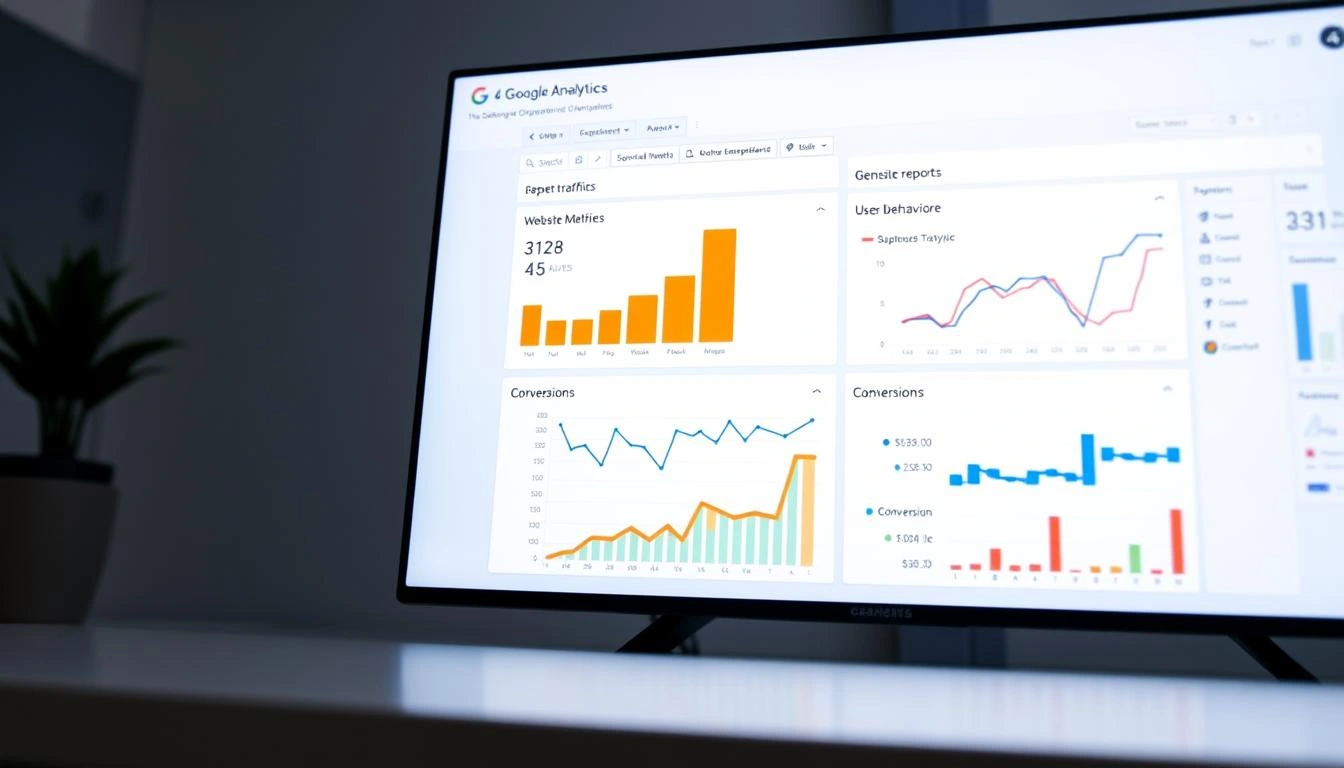
Custom reports in GA4 are pivotal for transforming raw data into actionable strategies. By leveraging GA4's advanced reporting capabilities, businesses can gain a deeper understanding of their users' behavior and make informed decisions.
Exploration Reports
Exploration reports in GA4 allow users to delve into their data and uncover new insights. These reports provide a flexible framework for analyzing data, enabling businesses to explore different dimensions and metrics.
Funnel Analysis
Funnel analysis is a powerful tool for understanding user journeys and identifying drop-off points. By setting up funnel analysis reports, businesses can optimize their conversion processes and improve user experience.
Path Analysis
Path analysis reports help businesses understand how users navigate through their websites or apps. This insight is crucial for optimizing content and improving user engagement.
Segment Overlap Reports
Segment overlap reports enable businesses to analyze the intersection of different user segments. This information is valuable for tailoring marketing strategies and enhancing user targeting.
| Report TypeDescriptionBusiness Benefit | ||
| Exploration Reports | Flexible framework for data analysis | Deeper understanding of user behavior |
| Funnel Analysis | Understanding user journeys and drop-off points | Optimized conversion processes |
| Path Analysis | Understanding user navigation paths | Improved content optimization |
| Segment Overlap Reports | Analyzing intersection of user segments | Enhanced user targeting |
By utilizing these custom report types, businesses can unlock valuable insights into their users' behavior, ultimately driving more informed decision-making and strategic growth.
Turning GA4 Data into Business Decisions
The key to leveraging GA4 lies in its ability to turn complex data into actionable insights. By analyzing the data collected through GA4, businesses can gain a deeper understanding of their customers, identify trends, and make informed decisions.
Identifying User Behavior Patterns
GA4 allows businesses to track user behavior patterns across their websites and apps. By understanding how users interact with their digital properties, businesses can identify areas for improvement and optimize their user experience.
For instance, GA4's analysis capabilities can reveal how users navigate through a website, what features they use most, and where they tend to drop off. This information is invaluable for enhancing user engagement and improving conversion rates.
Spotting Conversion Opportunities
One of the critical aspects of GA4 is its ability to help businesses spot conversion opportunities. By setting up conversion tracking, businesses can monitor the actions that lead to conversions, whether it's a purchase, sign-up, or download.
Conversion tracking in GA4 enables businesses to understand the effectiveness of their marketing campaigns and identify areas where they can improve conversion rates.
"The goal is to turn data into insights, and insights into actions that drive business growth."
Avinash Kaushik, Digital Marketing Evangelist
Content Performance Analysis
GA4 provides detailed insights into content performance, allowing businesses to understand what content resonates with their audience and what doesn't. By analyzing content performance, businesses can refine their content strategy to better engage their audience.
| Content TypeEngagement RateAverage Time Spent | ||
| Blog Posts | 80% | 3 minutes |
| Videos | 90% | 5 minutes |
| Infographics | 70% | 2 minutes |
Audience Insights for Marketing
GA4 offers powerful audience insights that can significantly enhance marketing efforts. By understanding the demographics, interests, and behaviors of their audience, businesses can create targeted marketing campaigns that resonate with their audience.
By leveraging these insights, businesses can optimize their marketing strategies, improve customer engagement, and ultimately drive more conversions.
GA4 Integrations with Google Marketing Platform
The integration of GA4 with Google Marketing Platform opens up new avenues for data analysis and marketing optimization. By connecting GA4 with other tools within the Google Marketing Platform, you can leverage a more comprehensive and powerful analytics solution.
Google Ads Connection
Linking GA4 with Google Ads allows for more sophisticated tracking of ad performance and user behavior post-ad click. This integration enables more effective ad targeting and optimization, enhancing your return on ad spend.
BigQuery Export
GA4's integration with BigQuery facilitates the export of raw, unsampled data for further analysis. This allows for detailed data examination and custom analysis beyond what's available in the GA4 interface.
Data Studio Integration
By integrating GA4 with Data Studio, you can create custom, visually appealing reports that combine data from multiple sources, providing a more holistic view of your marketing performance.
Google Optimize Connection
Connecting GA4 to Google Optimize enables the integration of A/B testing and personalization with your analytics data, allowing for more informed decisions on your website's user experience and content strategy.
These integrations collectively enhance GA4's capabilities, making it a more robust tool for understanding and improving your marketing efforts.
Conclusion: Maximizing Value from Your GA4 Implementation
By following the steps outlined in this article, you've successfully set up GA4 and are now poised to unlock its full potential. To maximize the value from your GA4 implementation, focus on leveraging its advanced features, such as event tracking, conversion tracking, and custom dimensions.
Regularly review your GA4 data to identify user behavior patterns, spot conversion opportunities, and analyze content performance. This will enable you to make informed decisions and drive business growth. Additionally, explore GA4 integrations with the Google Marketing Platform, including Google Ads, BigQuery, and Data Studio, to further enhance your analytics capabilities.
As you continue to work with GA4, refine your measurement strategy and adjust your setup as needed to ensure it remains aligned with your business objectives. By doing so, you'll be able to maximize the value from your GA4 implementation and drive long-term success.
FAQ
What is Google Analytics 4 (GA4) and how does it differ from Universal Analytics?
Google Analytics 4 (GA4) is the latest iteration of Google's analytics platform, offering a more comprehensive understanding of user behavior across devices and platforms. It differs from Universal Analytics in its enhanced measurement capabilities, machine learning-driven insights, and cross-device tracking.
How do I set up GA4 for my website or app?
To set up GA4, you need to create a GA4 property, install the tracking code, and configure basic settings. You can follow the step-by-step guide provided in the Complete GA4 Setup Guide for Beginners section.
What are data streams in GA4 and how do I configure them?
Data streams in GA4 allow you to collect data from multiple sources, including websites and apps. You can configure web and app data streams by following the instructions in the Configuring Data Streams in GA4 section.
How do I track events in GA4?
Event tracking is a crucial aspect of GA4, providing valuable insights into user behavior. You can track automatically collected events, set up custom events, and use recommended events for business intelligence.
Can I transition from Universal Analytics to GA4?
Yes, you can transition from Universal Analytics to GA4 by implementing a dual tagging strategy, mapping UA goals to GA4 conversions, and considering historical data.
How do I create custom dimensions and metrics in GA4?
Custom dimensions and metrics allow you to tailor your GA4 setup to your specific business needs. You can create custom dimensions and metrics by understanding the differences between user properties and event parameters and following implementation best practices.
What are the benefits of integrating GA4 with other Google Marketing Platform tools?
Integrating GA4 with other Google Marketing Platform tools, such as Google Ads, BigQuery, Data Studio, and Google Optimize, can enhance its capabilities and provide more advanced analytics and marketing capabilities.
How do I turn GA4 data into business decisions?
You can turn GA4 data into business decisions by identifying user behavior patterns, spotting conversion opportunities, analyzing content performance, and gaining audience insights for marketing.
About the Author
Kayle is a dedicated writer with a passion for crafting engaging, thoughtful, and impactful content. With a keen eye for detail and a commitment to clarity, ANAZAH brings complex ideas to life in a way that is both accessible and inspiring. Whether writing informative articles, creative pieces, or persuasive copy, ANAZAH aims to connect with readers and leave a lasting impression.